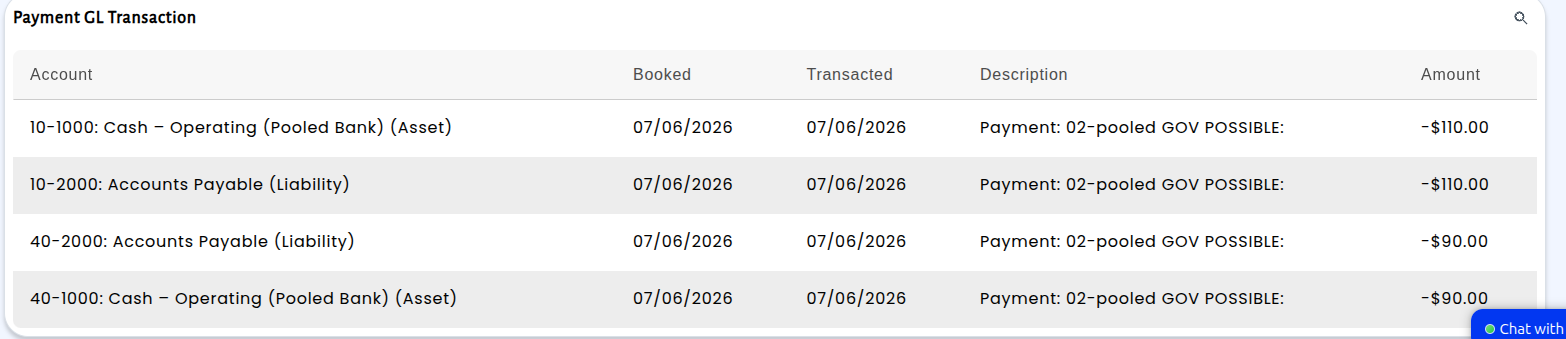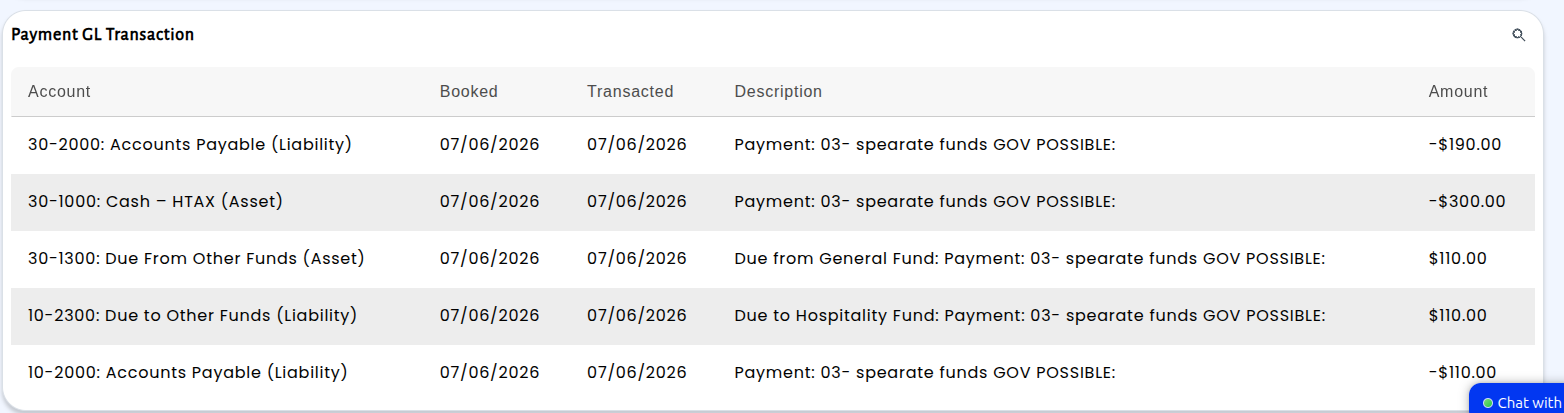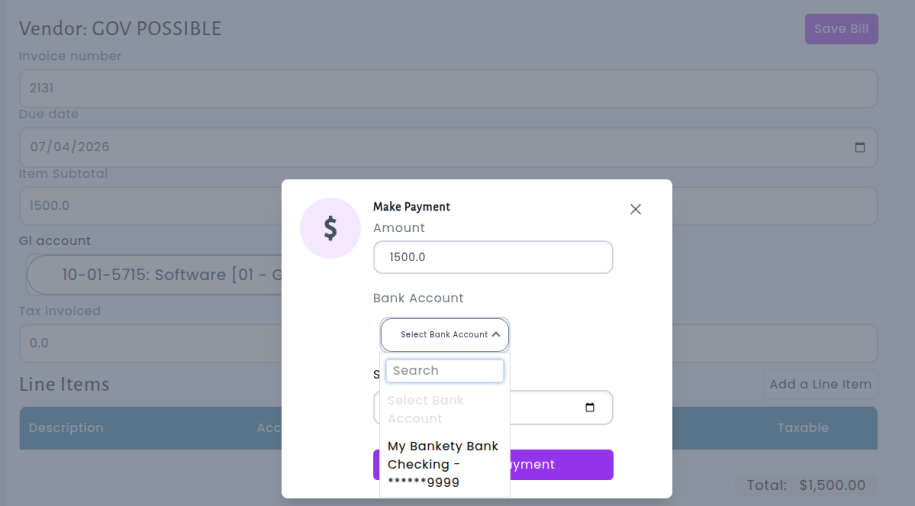
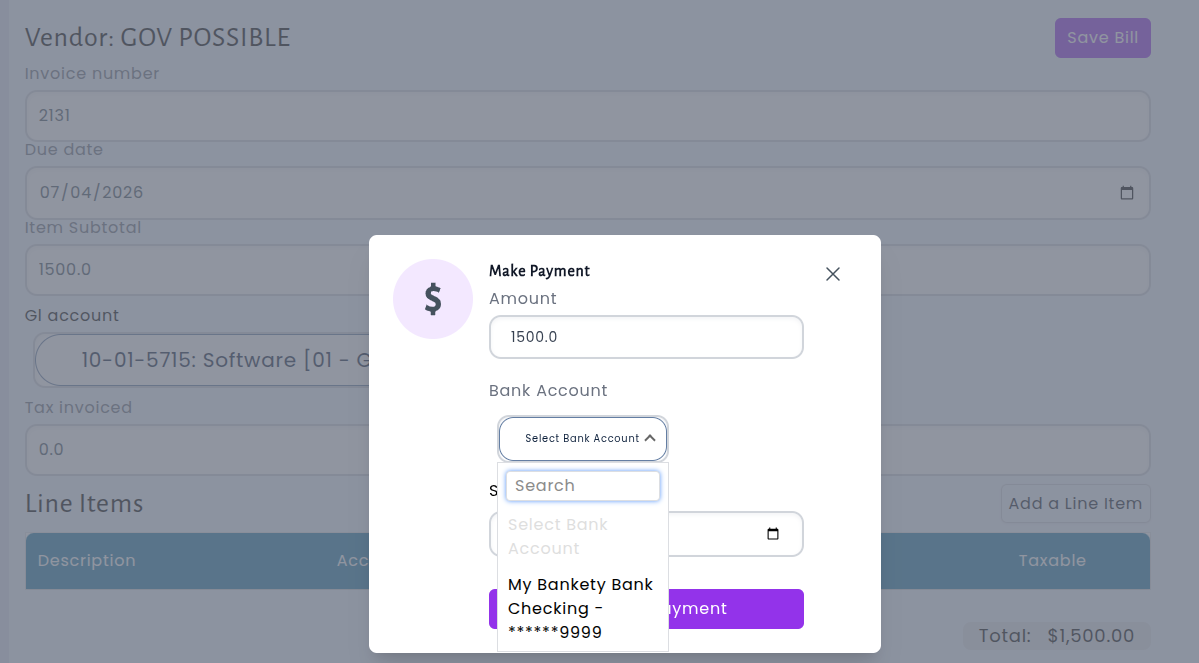
When paying a bill in Accounts Payable, the system now ensures that the bank account you select matches the fund where the expenses were recorded. Previously, it was possible to accidentally choose a bank account from a completely different fund, which could create unbalanced entries and complicate your reconciliation. Now, the payment screen only shows bank accounts that belong to the correct fund, so you can pay with confidence knowing your entries will post to the right places.
For bills that span multiple funds, the system handles things intelligently. If your funds share a pooled cash account, the payment is automatically split across the correct accounts within the pool. If your funds use separate bank accounts, the system displays a helpful notice explaining that paying from one fund will automatically create the necessary inter-fund transfer entries (due-to and due-from) to keep everything balanced across your books.