
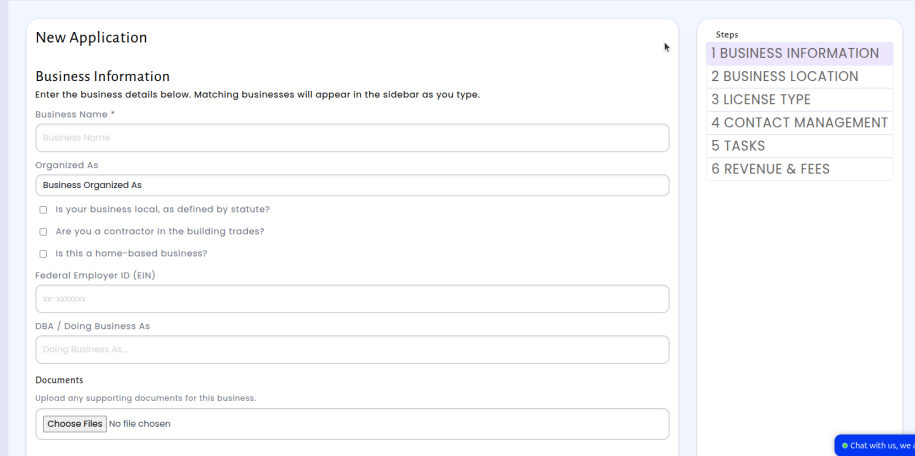
We’ve redesigned the license application wizard from the to make creating new applications faster and more intuitive. The updated wizard’s stage order has been adjusted but follows the same standard requirements as before
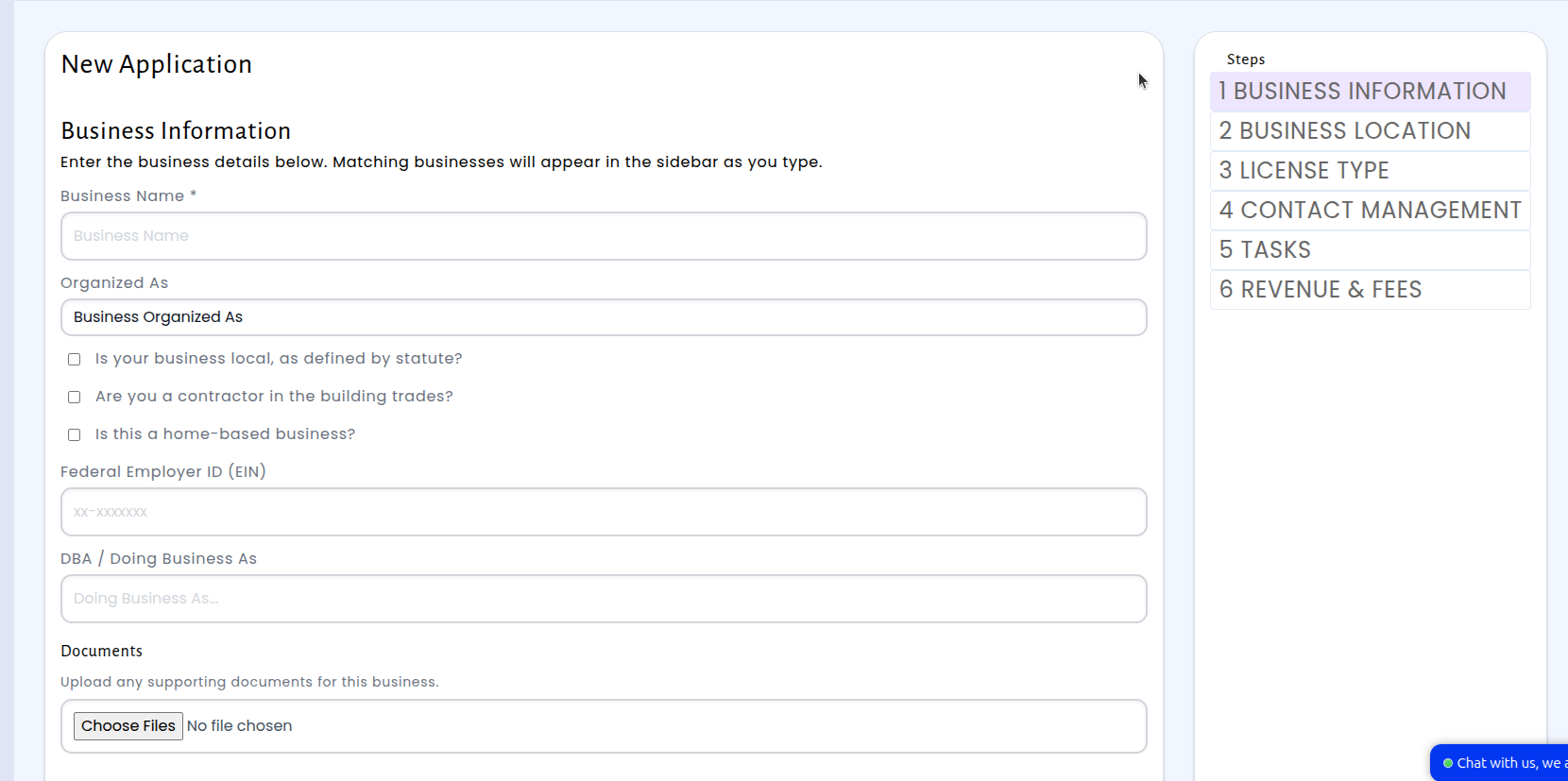
The application process now begins with business information. This stage has also been expanded to include input fields for the Federal Employer ID, Doing Business As name, and any additional Documents.
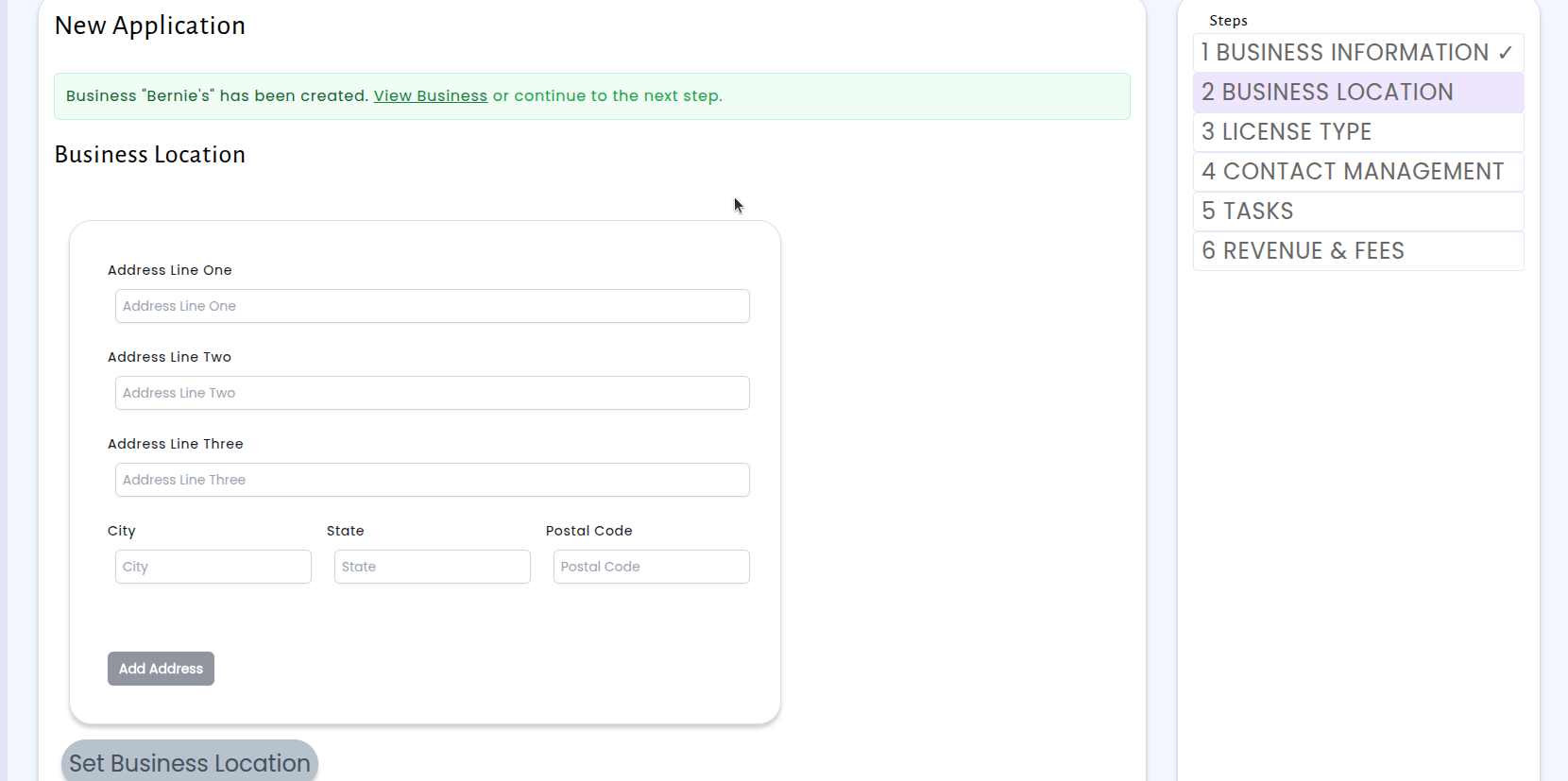
Business Location remains unchanged but does come second.
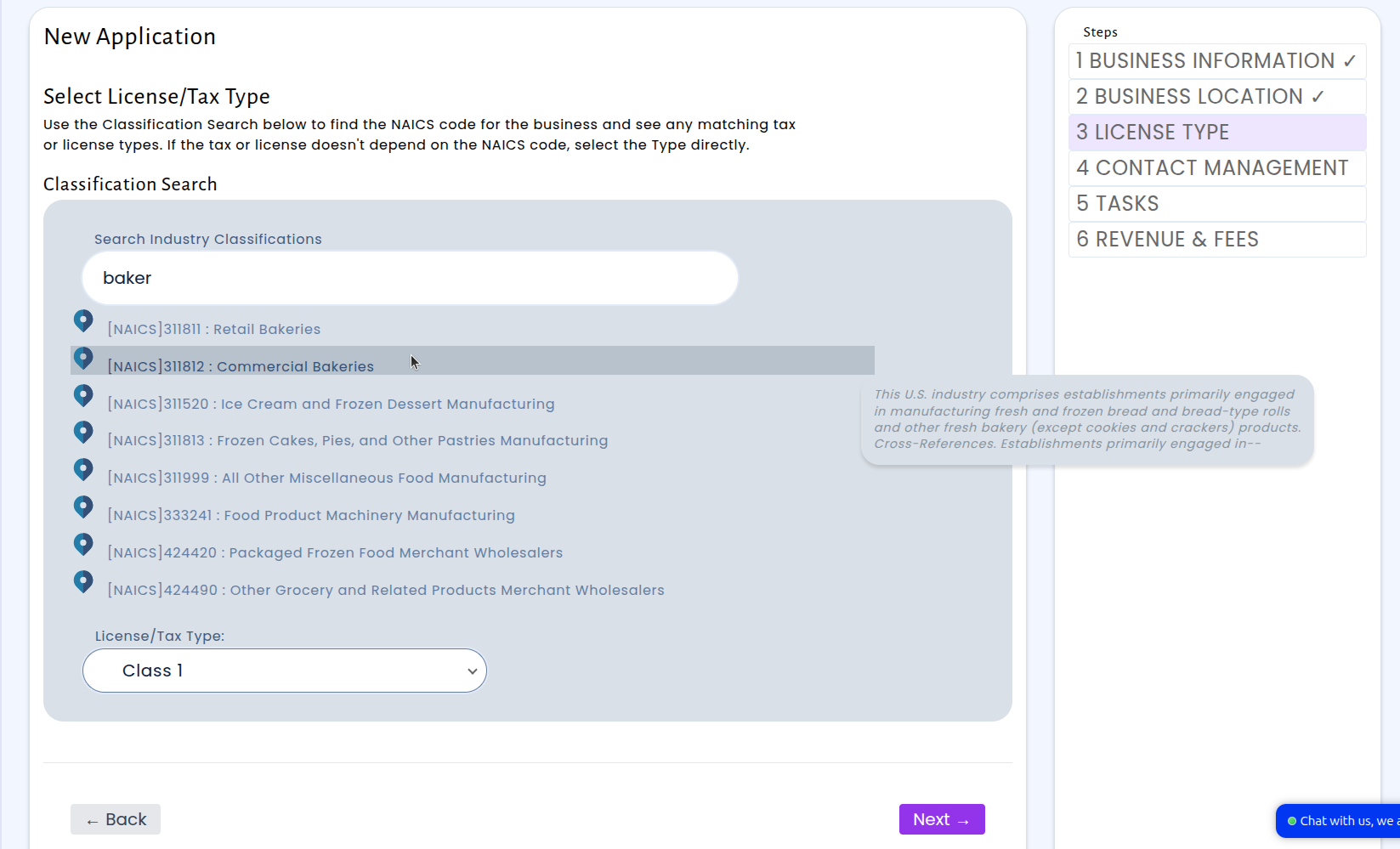
License type remains unchanged but does come third.
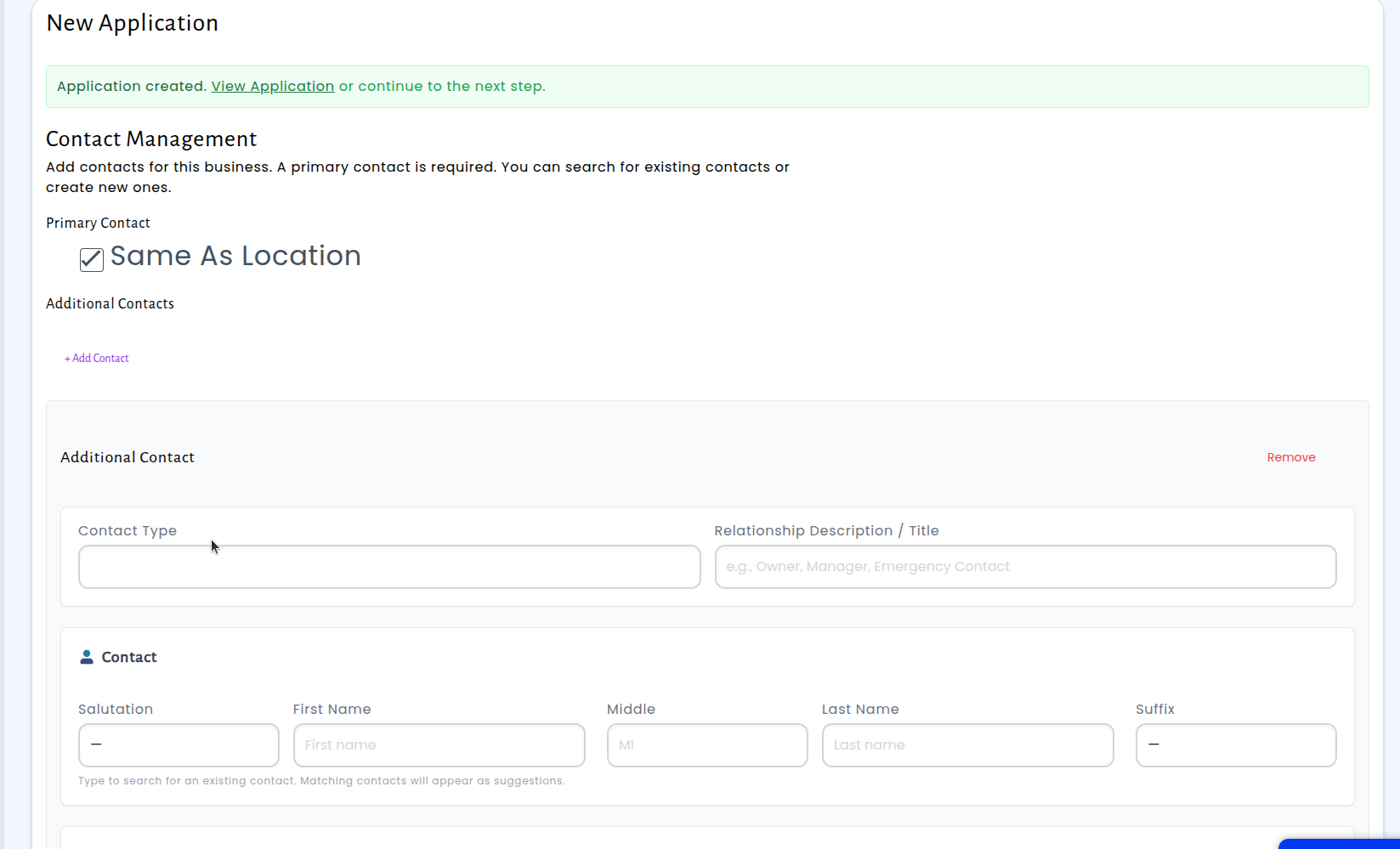
Contact Information has been reworked into Contact Management, which lets you add multiple contacts to an application, including a primary contact and as many additional contacts as needed, each with a contact type and relationship description. You can search for existing contacts or create new ones right within the wizard.
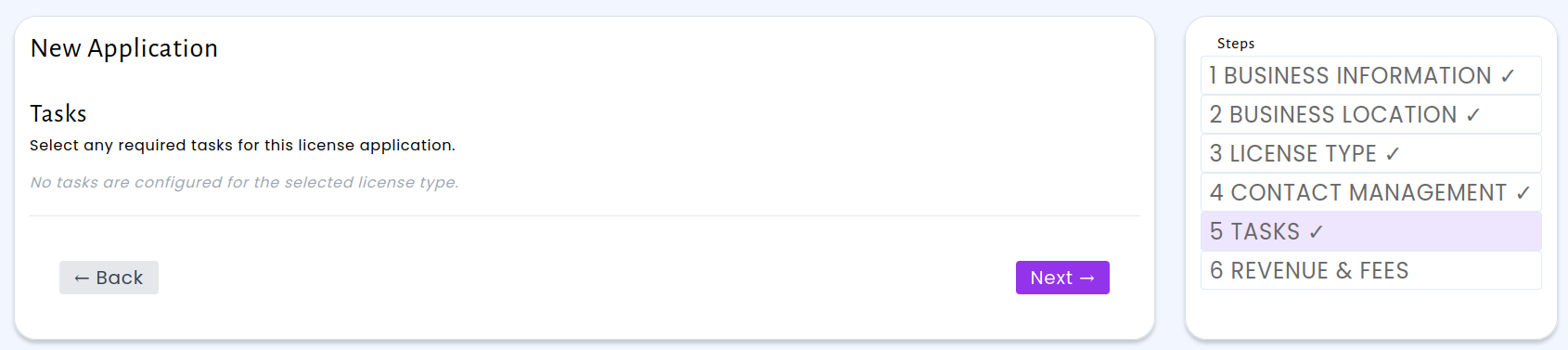
We’ve also introduced the new Tasks section. For any business types that would require a task, inspection, etc. to be carried out before the application can be complete, a task will automatically be created here. These requirements are able to be changed per license type, for example if a fire inspection is needed for full service restaurants, that can be implemented to automatically create the task during application.
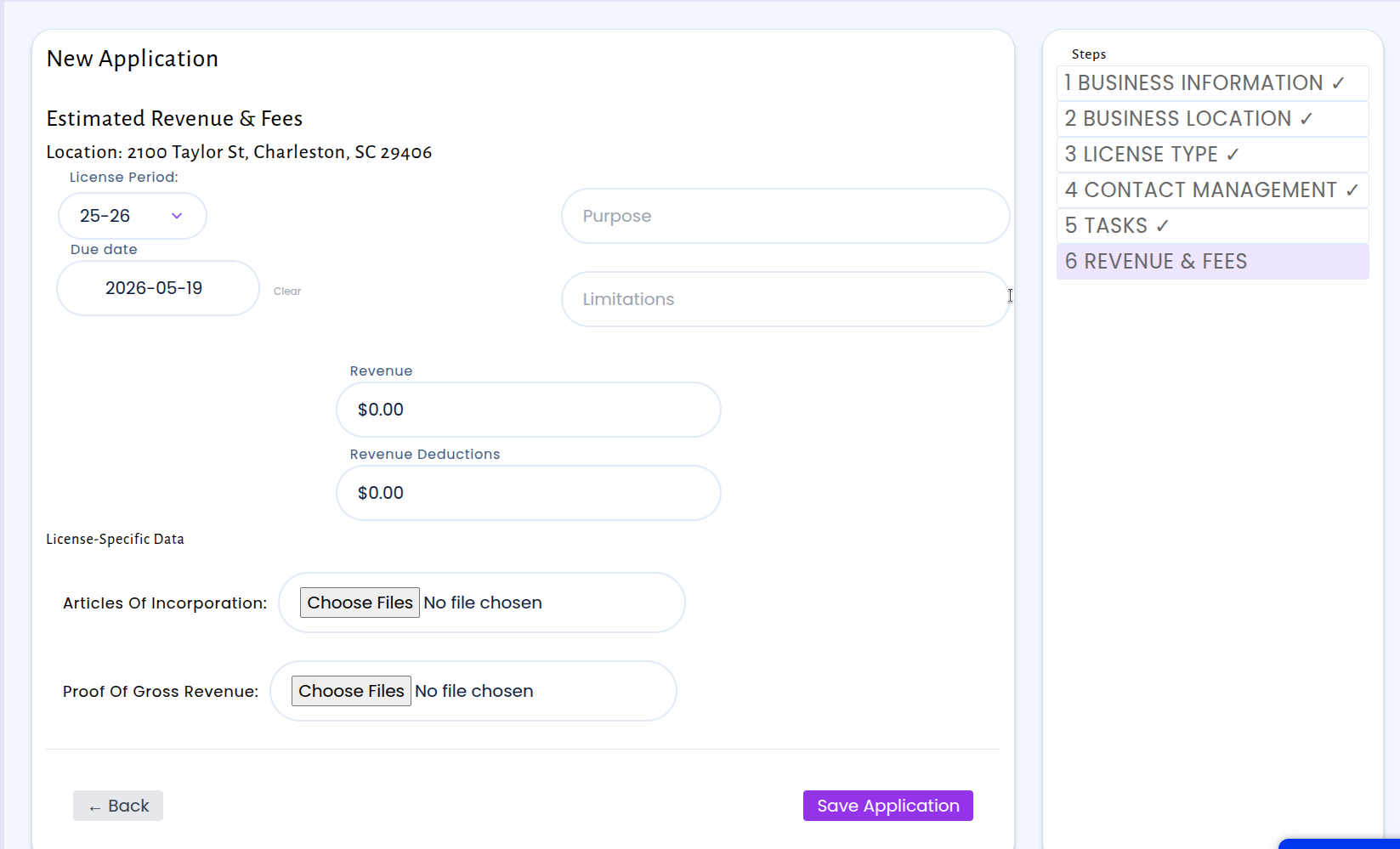
Lastly the Charge section has been reworked into Revenue & Fees, which includes document upload fields for license specific data.
The updated wizard is available now as a configurable option in your Customer Settings. Your existing wizard setup continues to work — you can switch to the new version whenever you’re ready.