

Managing older cemetery records just got easier. We’ve added a new “Mark Occupied” button to individual plot pages, allowing staff to flag plots that are known to be in use, even when there are no contracts, deeds, or interment records on file. With a single click, you can update a plot’s status so it no longer appears in your list of available plots.
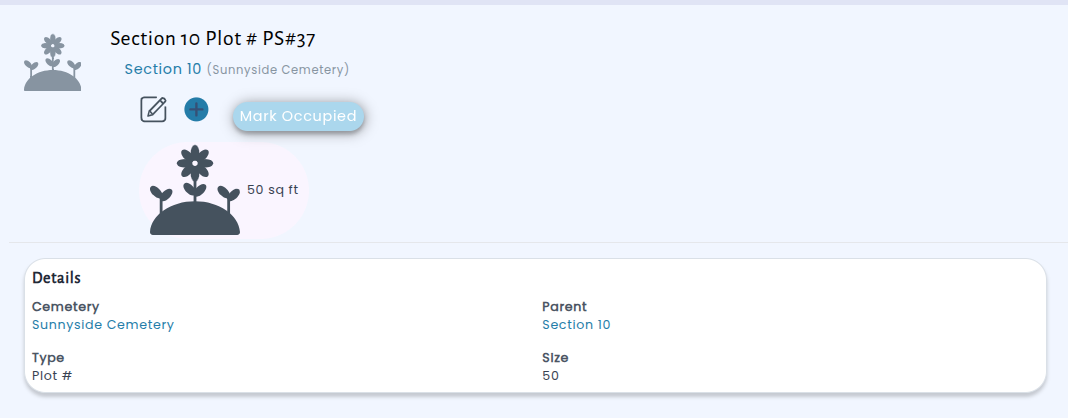
Many cemeteries have plots that were filled years ago but never had formal records entered into the system. Previously, the only way to remove these from the available inventory was to go through the full process of creating a contract and then recording an interment. Now, staff can mark these plots as “Occupied (No Records)” directly, and the system will automatically keep them out of open plot listings, search results, and contract creation workflows.

The status is easy to reverse too, if a plot was marked by mistake, just click “Mark Available” to restore it. This feature is available on any individual plot that doesn’t have sub-plots, giving your team a fast and reliable way to keep your cemetery inventory accurate without extra paperwork.